Create your class group and enrol students
Fiona MacNeill | 14 steps | 2 minutes
8 June 2026
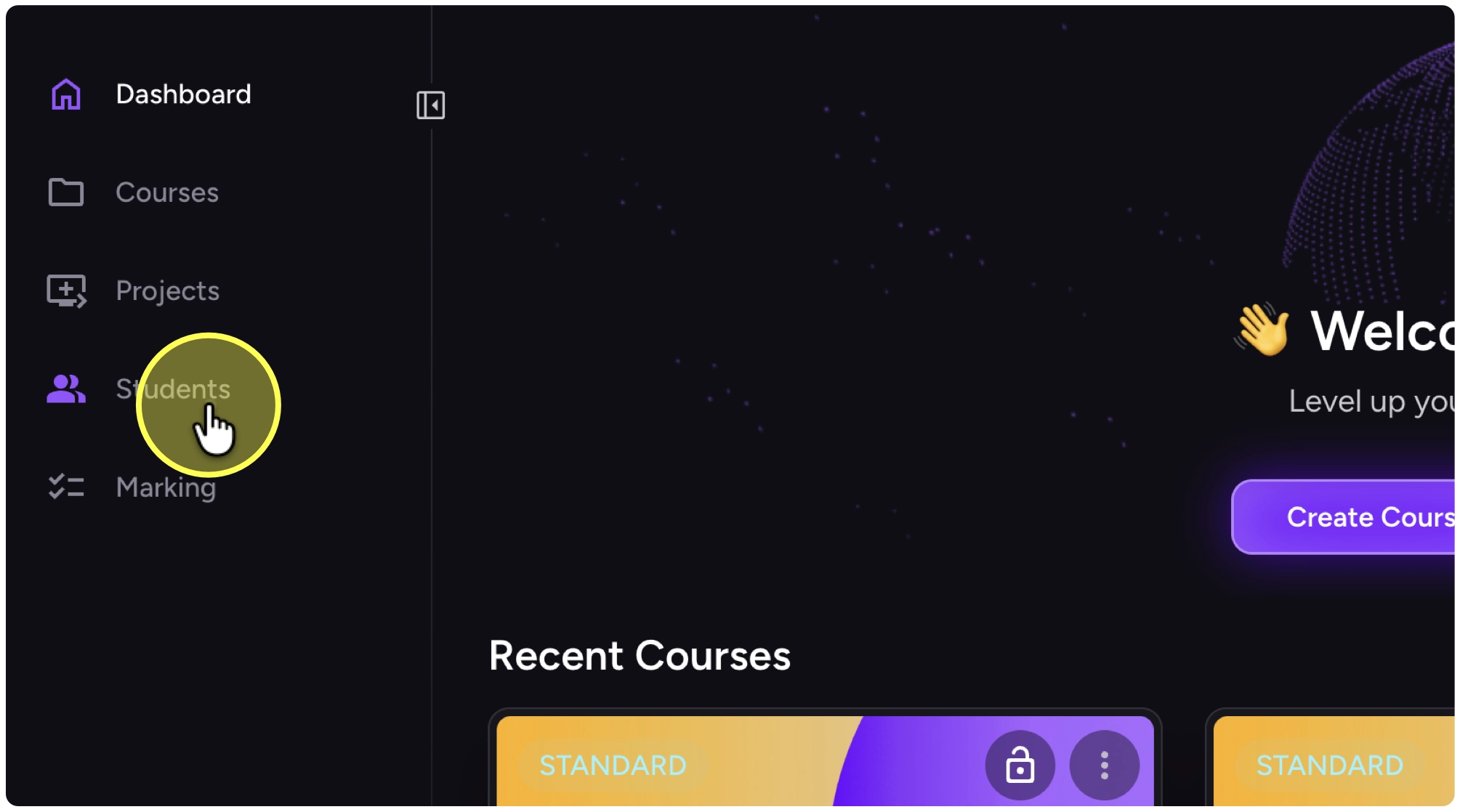
1. After logging into Kita, click on “Students”
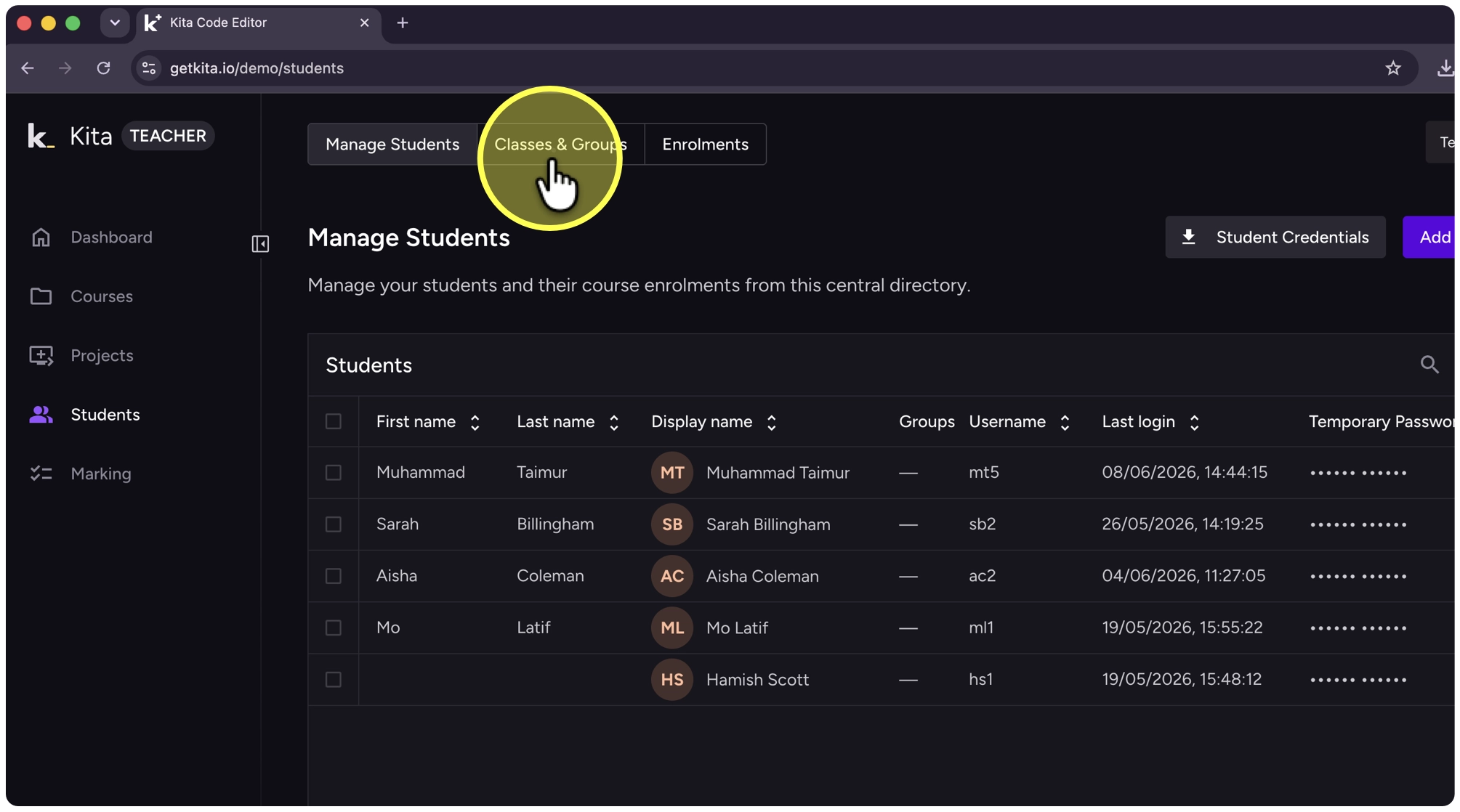
2. Click on “Classes & Groups”
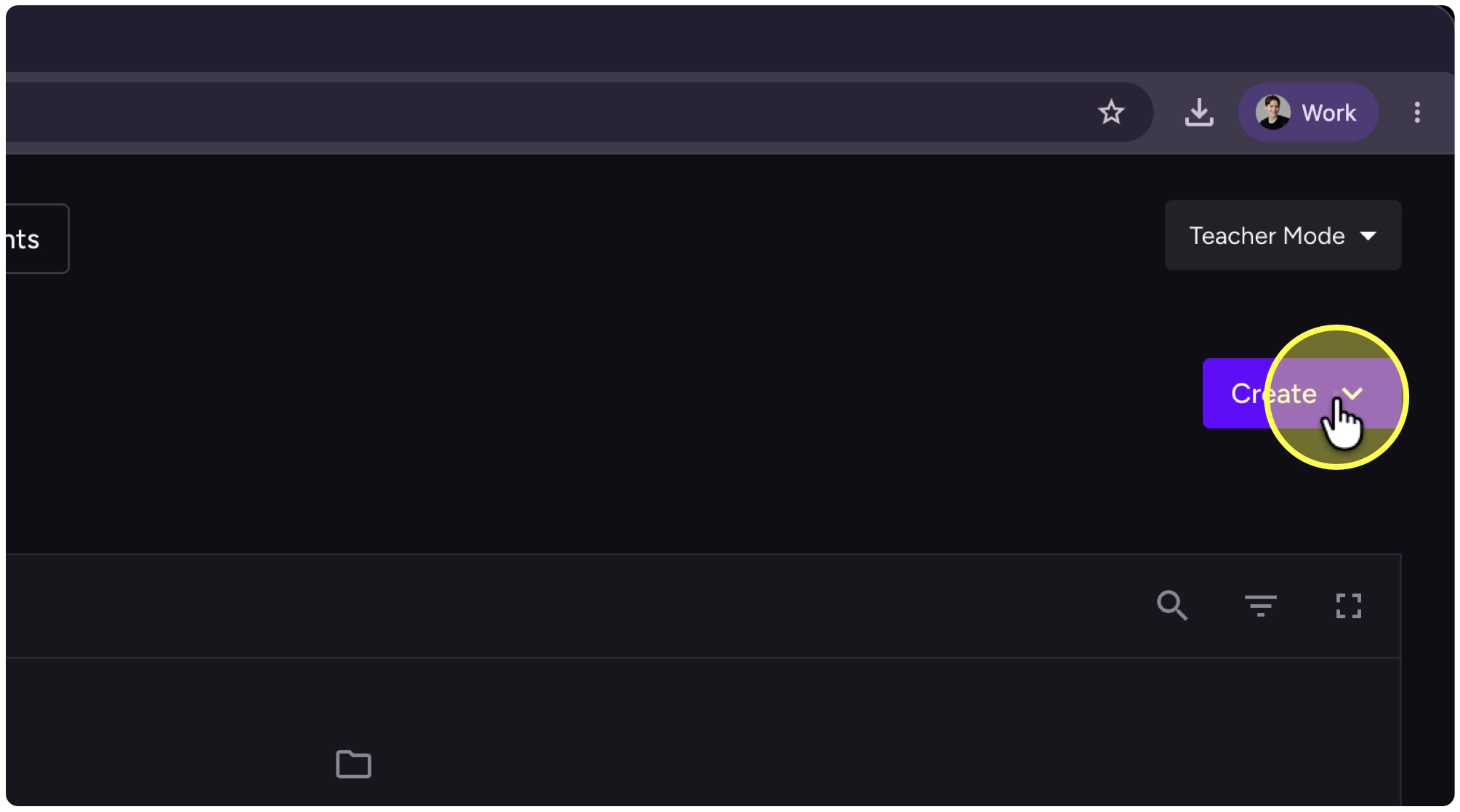
3. Click on “Create” on the top-right.
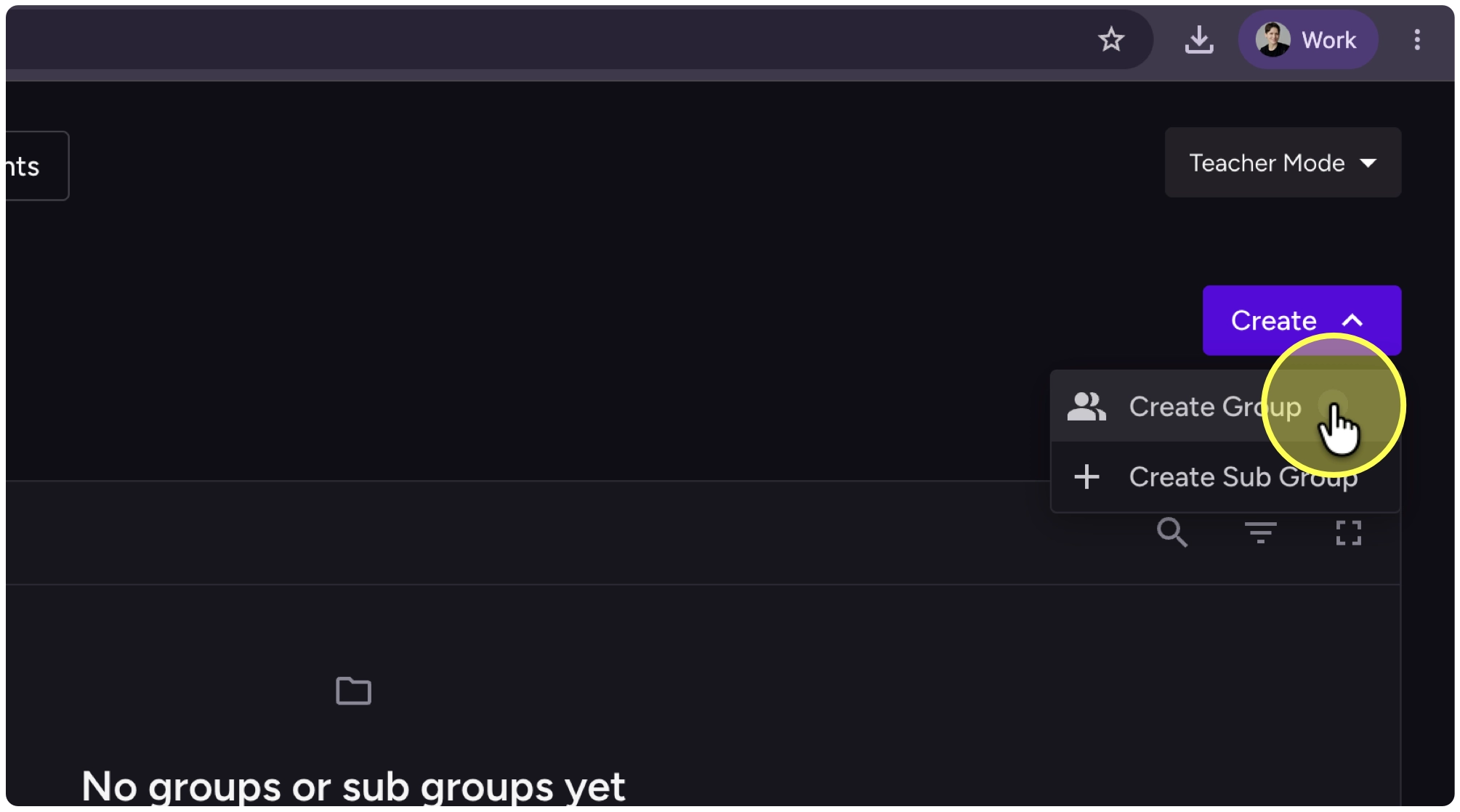
4. Click on “Create Group”
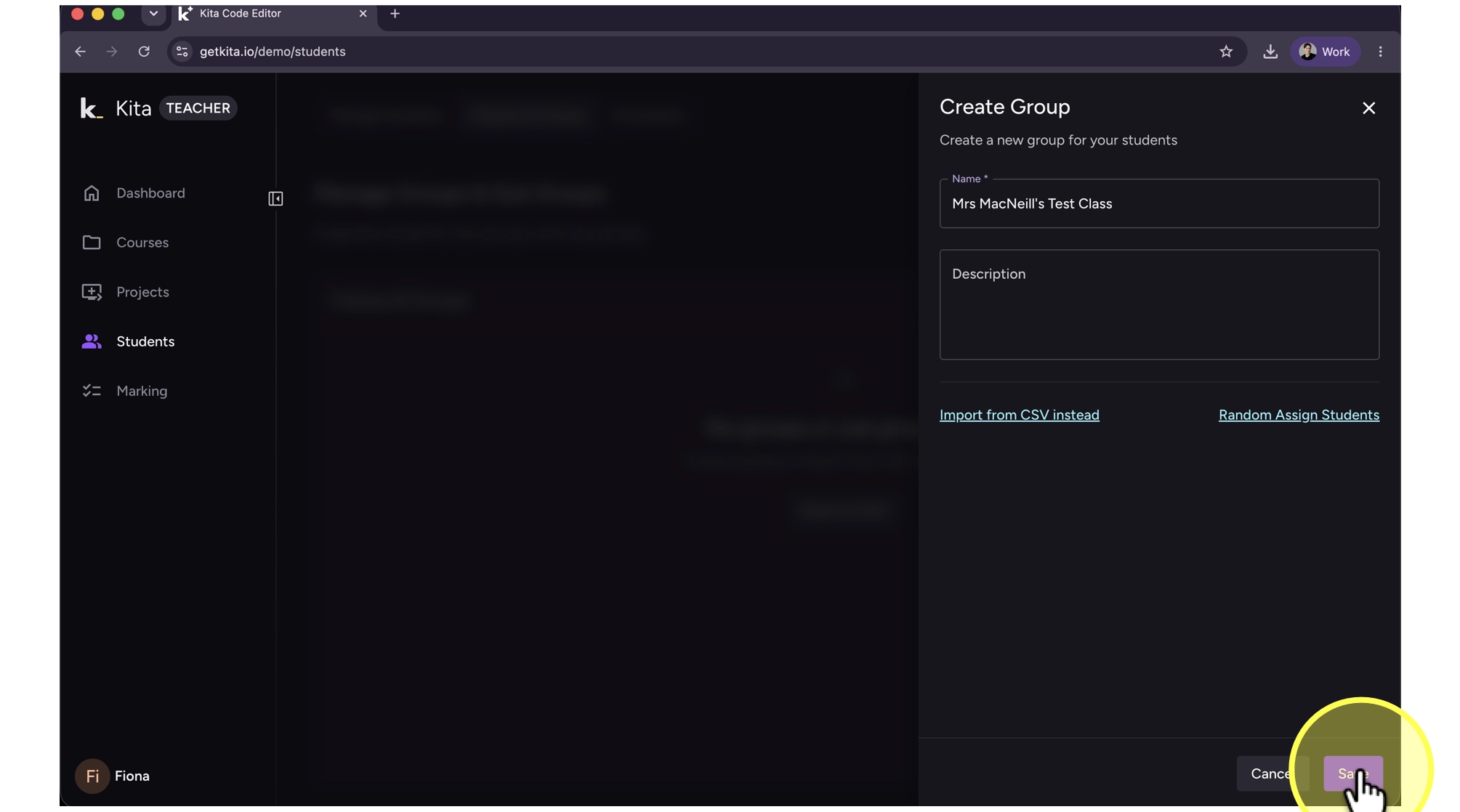
5. Type in a name for your class group and select “Save”.
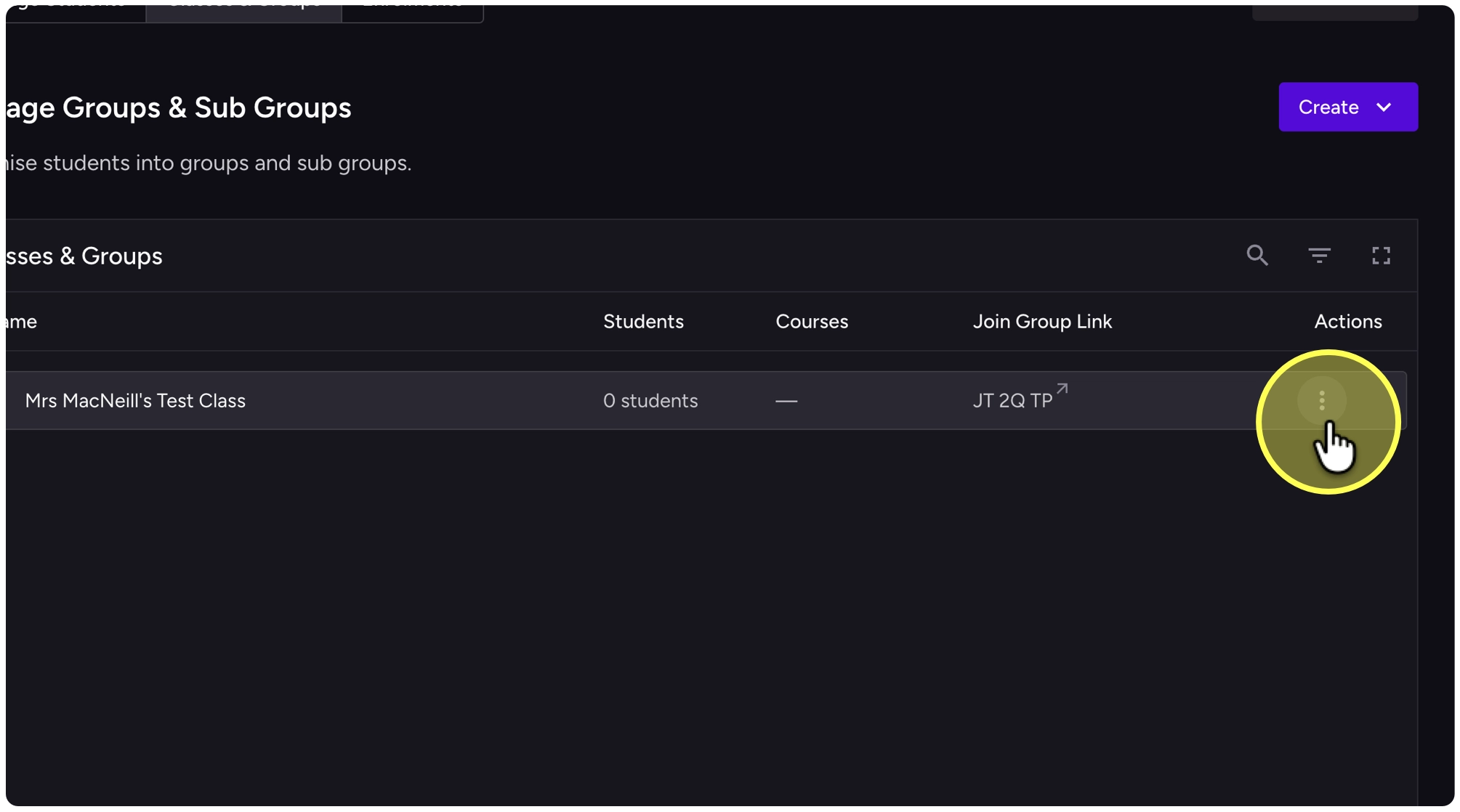
6. Click on the three dots action menu on the right-hand side of your group
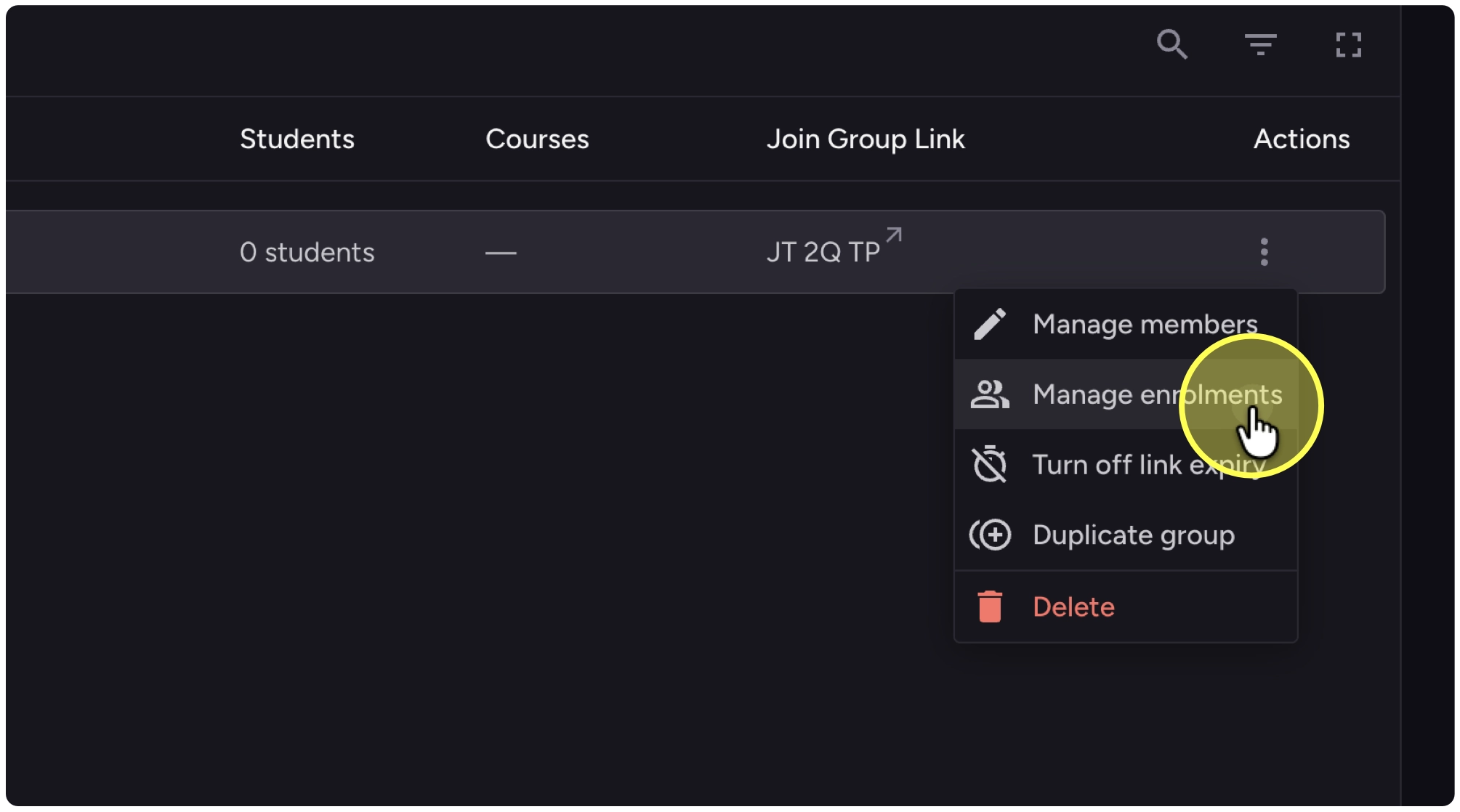
7. Click on “Manage enrolments”
8. Click on “+” next to the courses you want to add.
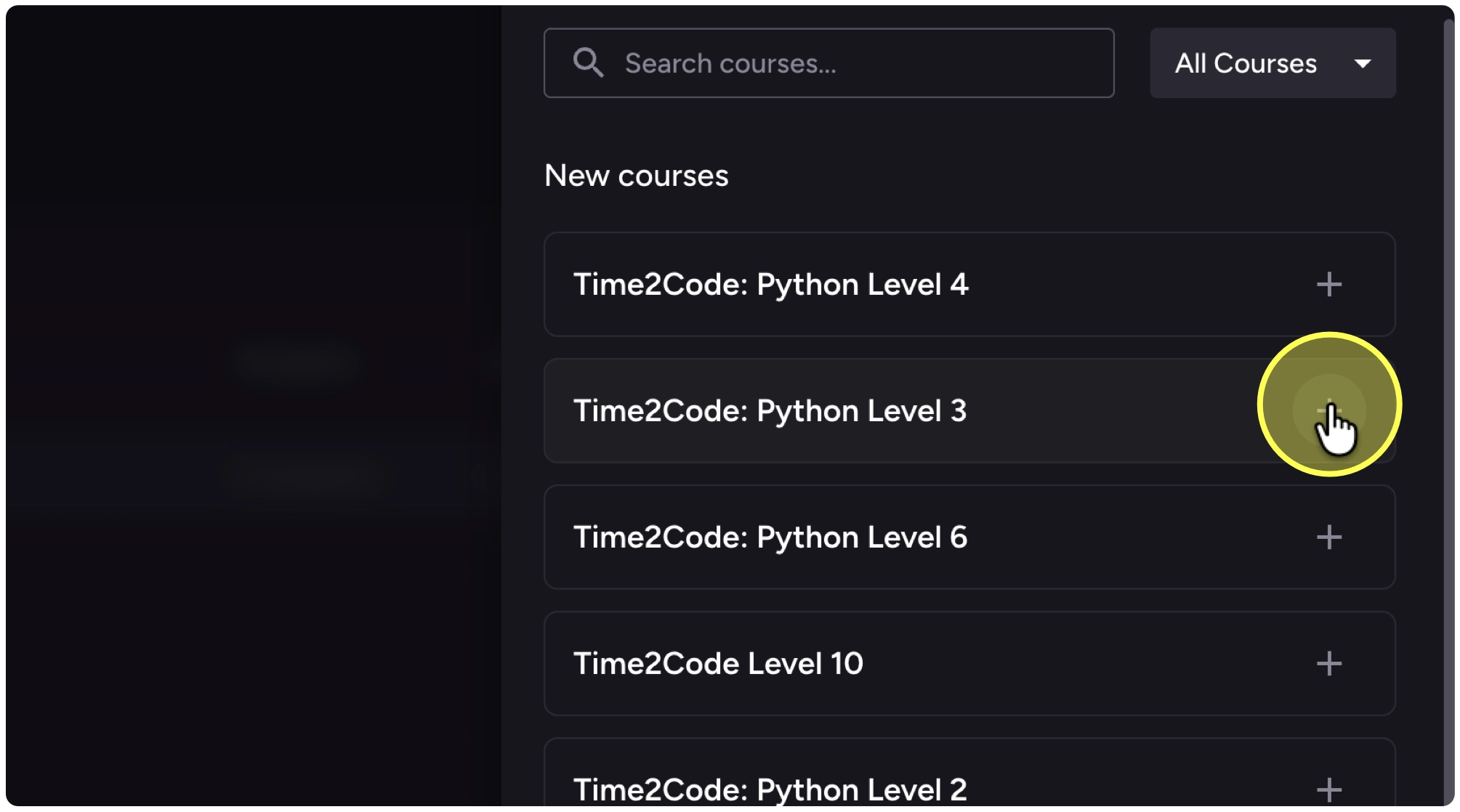
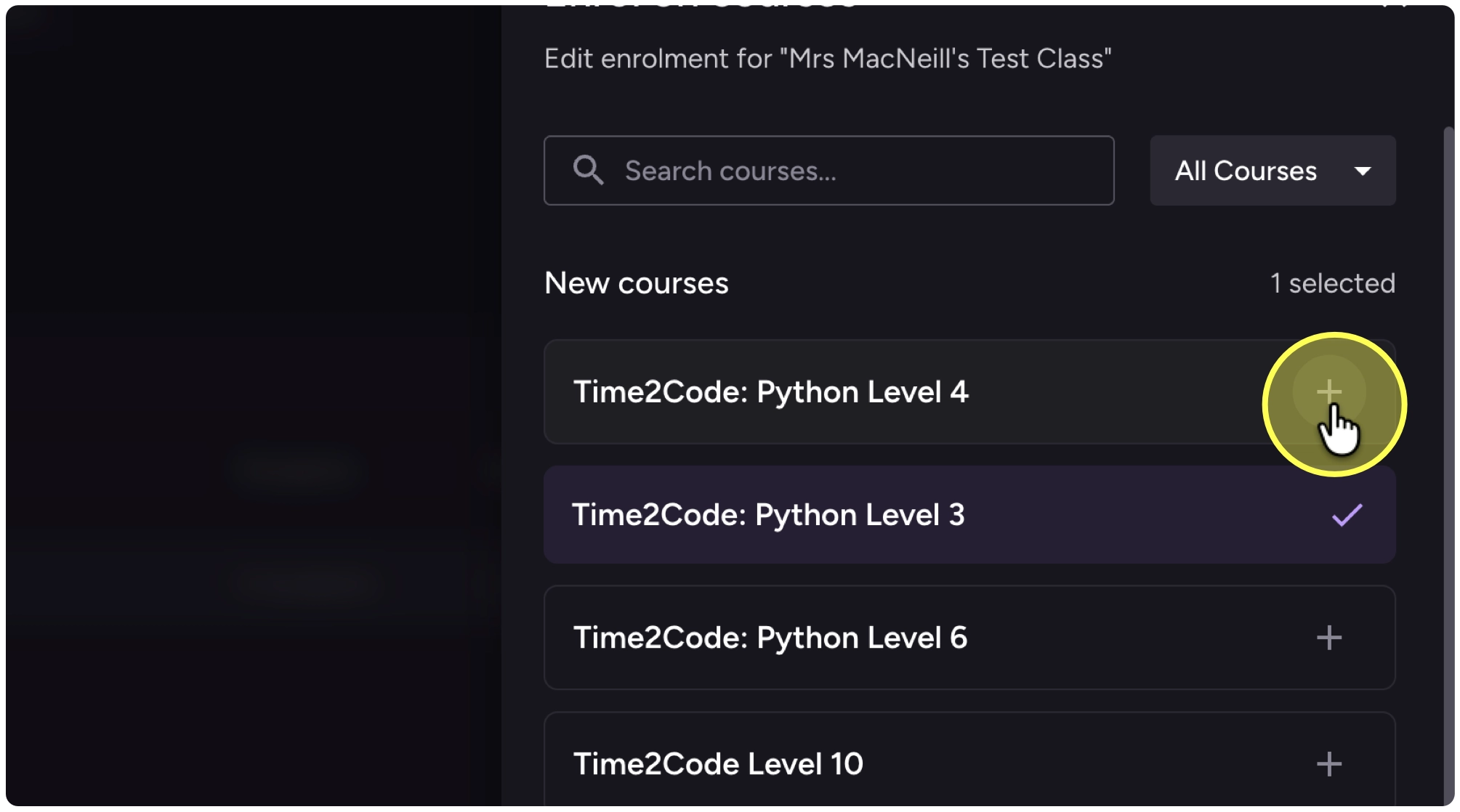
9. You can select multiple courses at the same time.
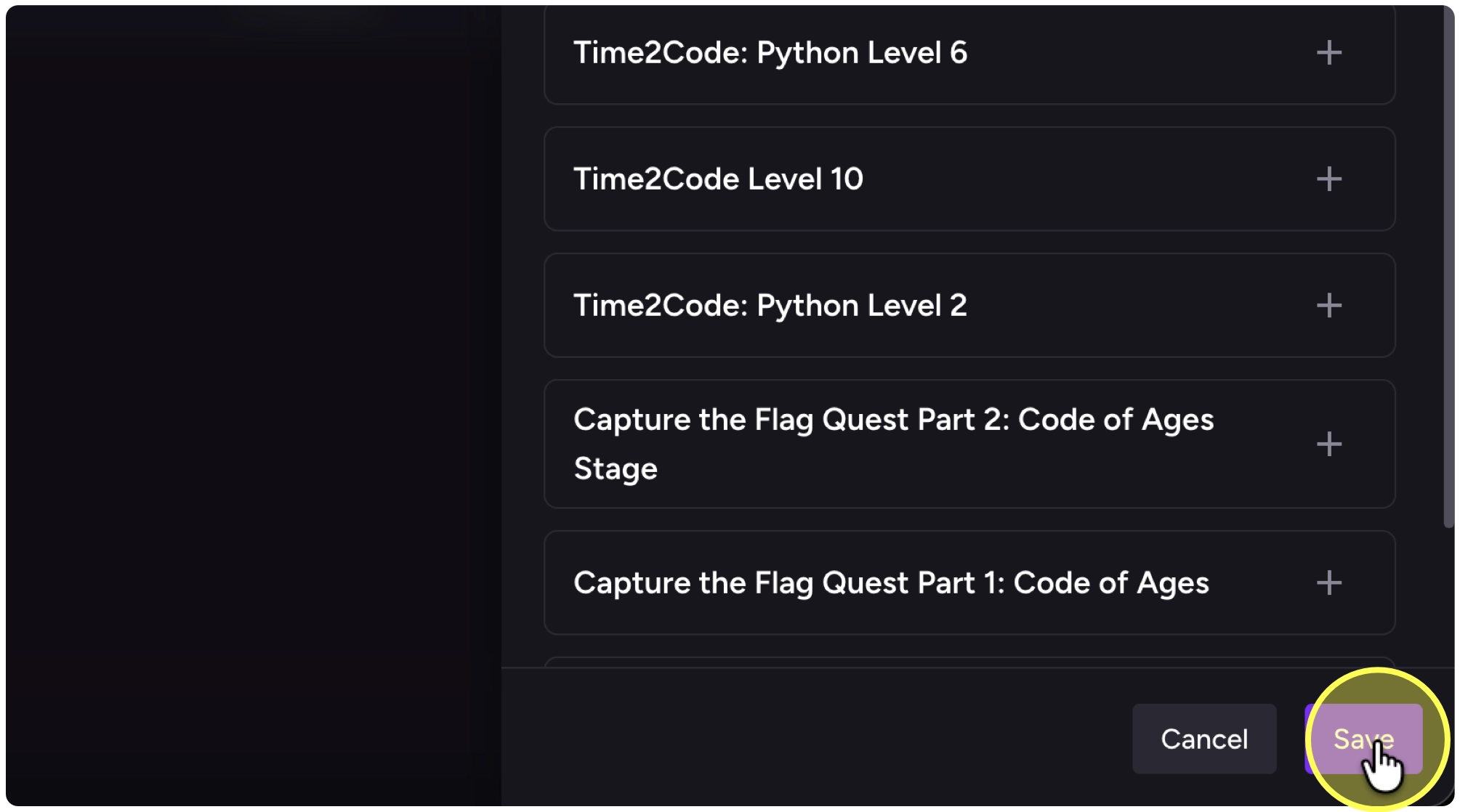
10. Click on “Save”.
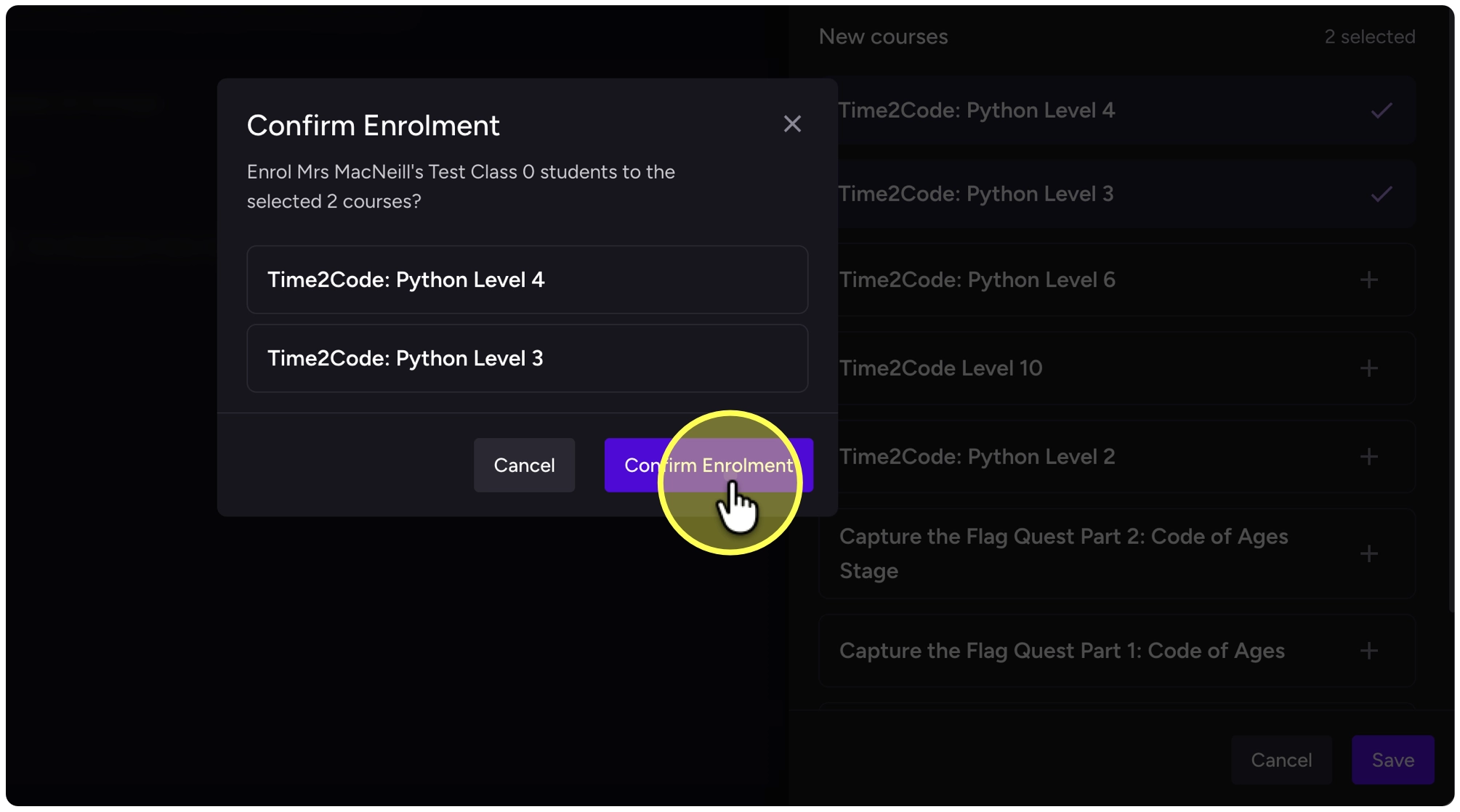
11. Click on “Confirm Enrolment” to confirm the list of courses
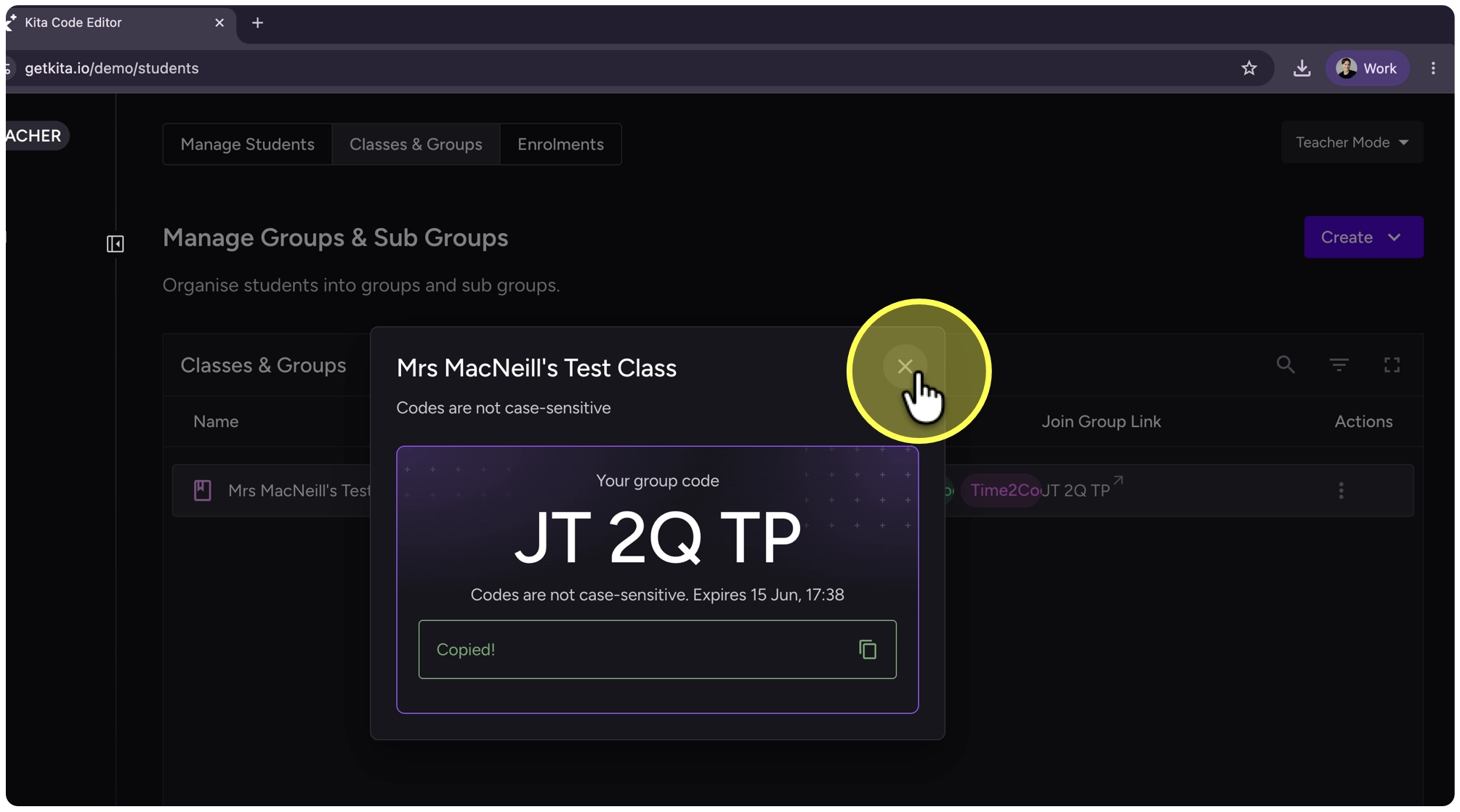
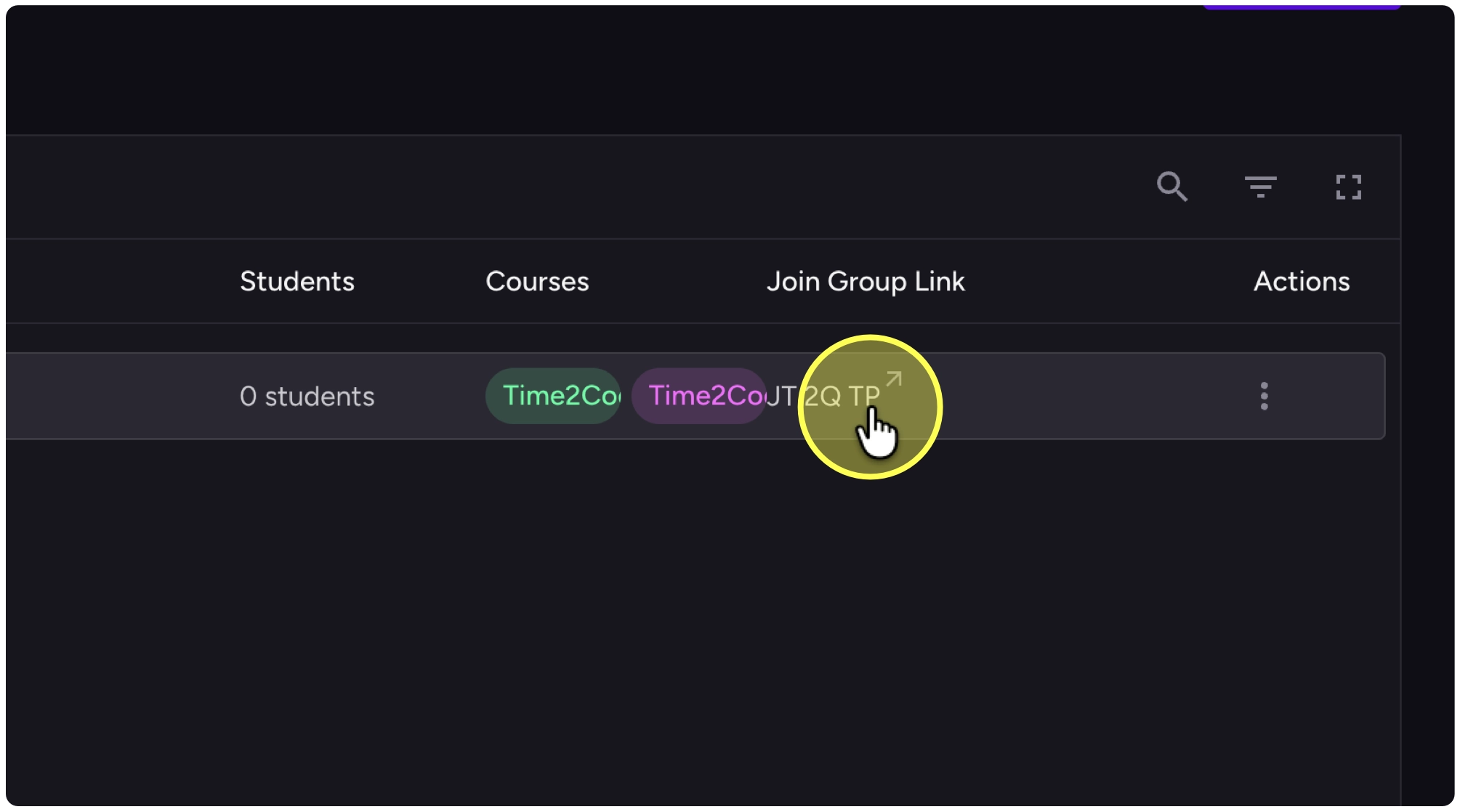
12. Click on your Join Group Link
13. Select the copy link button
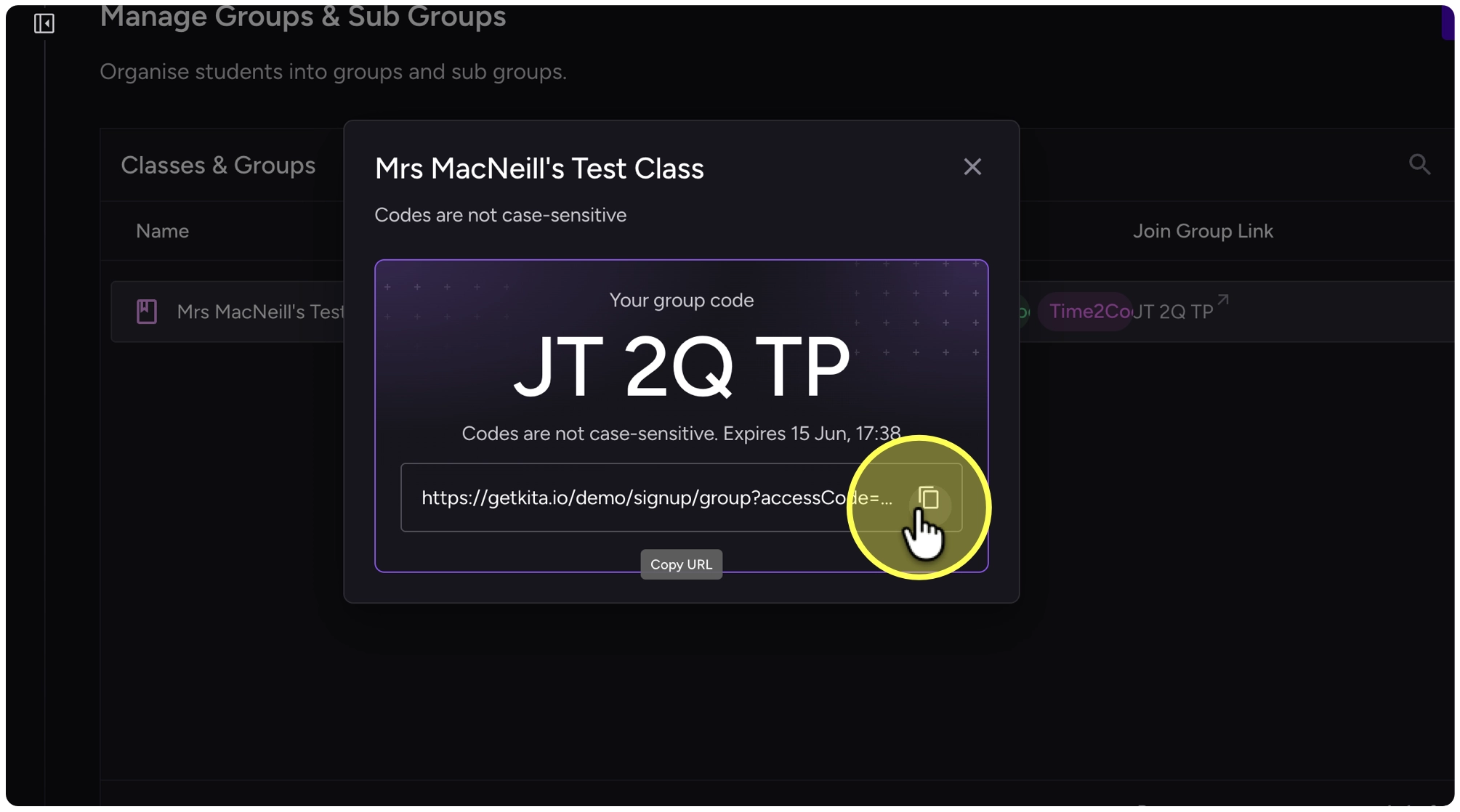
14. Close the code window and share the code with your students